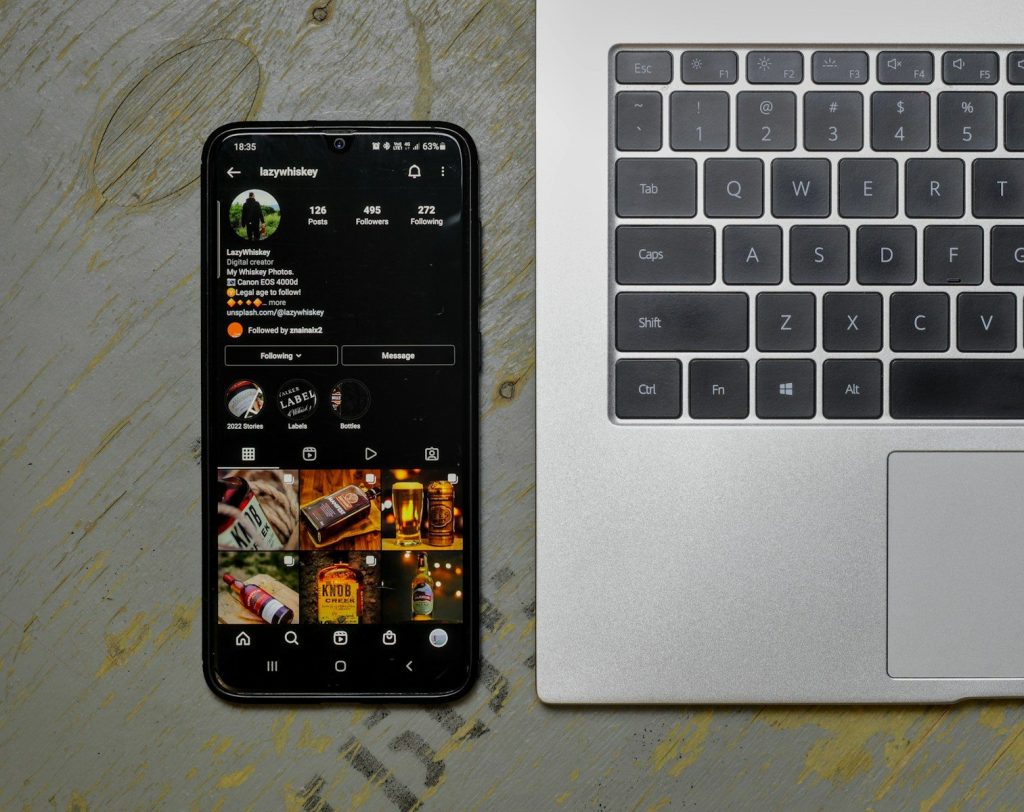
Ever seen a video or photo on Instagram that you wanted to keep — for offline viewing, to share with someone who isn’t on the app, or just to save for later? You’re not alone. That’s exactly why Instagram downloader tools exist, and SaveFromInsta is one of the easiest to use.
Instagram is full of content that scrolls by fast. You find a video or photo you love, and then it’s gone — buried under new posts, or you simply can’t find it again later. Tools like SaveFromInsta solve this problem. Think of them as a personal save button for anything you don’t want to lose.
SaveFromInsta is simple by design. You don’t need any technical skills to use it — anyone can figure it out in seconds. It works with videos, photos, Reels, and stories.
Here’s all it takes: copy the link to the Instagram post, paste it into SaveFromInsta, and download. That’s it. The tool saves content in the best quality available, and you don’t need to log in or share any personal information to use it.
That’s the whole process — no extra steps, no account required.
The way we consume and save content keeps changing, and tools like SaveFromInsta make it easier to hold onto the posts that matter to you. Whether you’re saving something for inspiration, reference, or just to keep, a good downloader turns a fleeting scroll into something you actually own.
One thing worth keeping in mind: downloading content for personal use is usually fine, but always be mindful of copyright and the original creator’s rights before sharing anything further.
Can I download any Instagram post with SaveFromInsta?
Yes, as long as the account is public. Content from private accounts can’t be accessed.
Is there a limit on how many downloads I can do?
No — you can use SaveFromInsta as many times as you like.
Do I need to install anything?
No. It’s entirely web-based, so it works directly in your browser with no downloads or installs required.